


When I was working as a Viticulture Generalist (a made-up title because I wore many hats) for a vineyard management company, my supervisor told me that I needed to divide my time evenly among the three departments I worked for and "just make social media work" in that .01% of my time that I wasn't scouting for pests, helping with grape sales, and managing compliance — among other things.
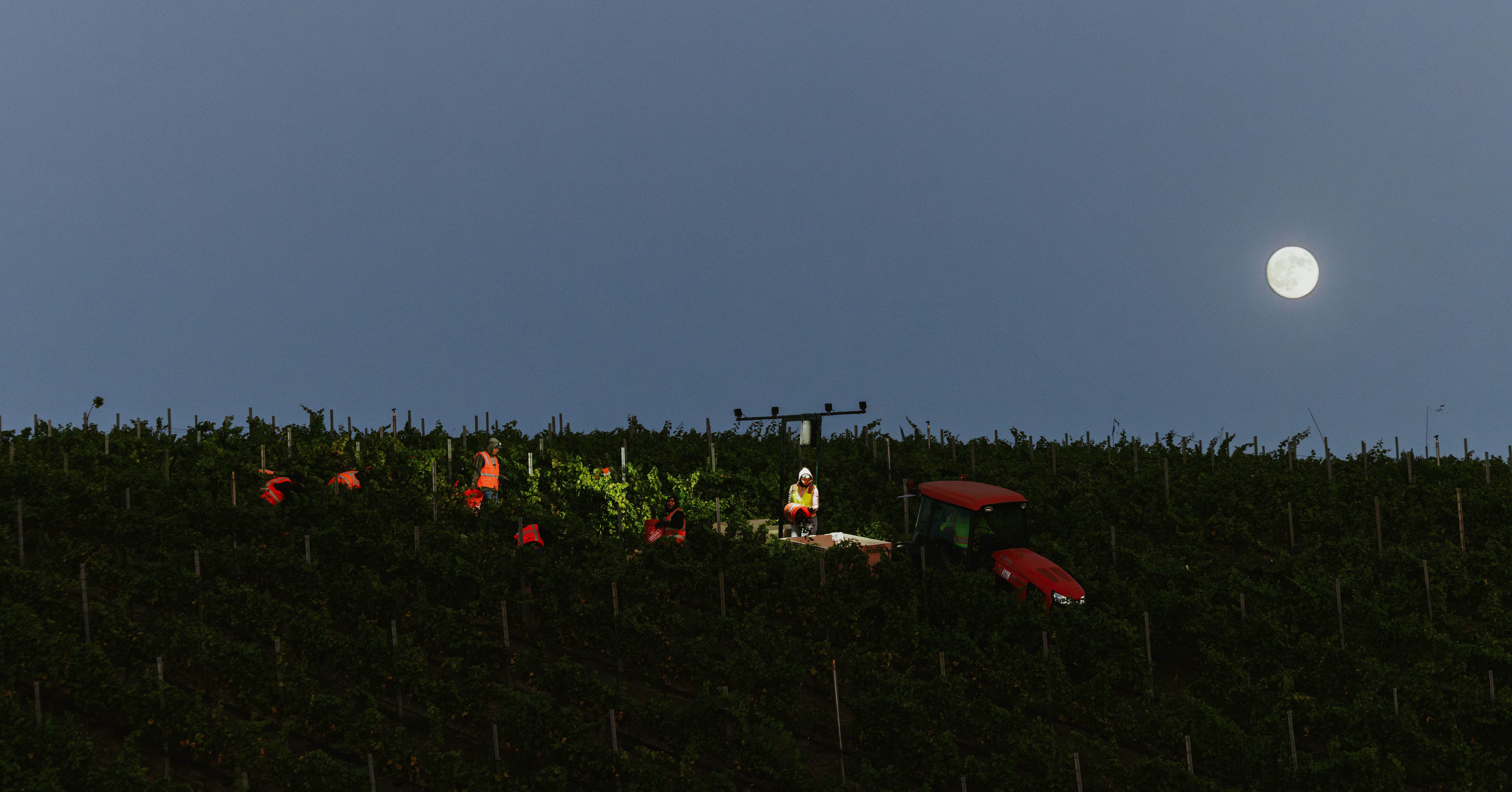
As fun as social media was (and still is) for me, I was loath to do it outside of my working hours, which left me with two options: not work on it at all OR find a way to fit it into my schedule any way I could. I, therefore, got really good at finding 5 minutes here, 10 minutes there to snap a few photos, capture a few videos, write a few captions:
The five minutes I was standing in a vineyard waiting for weather station data to download? Content creation time!
Found a sweet-looking cluster when out setting yellow-jacket traps? Content creation time!
Waiting for fruit to be picked at 5:00 AM so I could weigh it and load it on a truck? You guessed it, content creation time!
I became so good at these mini content-creation sessions that I built up quite a library of images, videos, and caption ideas, which eventually became the backbone of my own business.
My point with all this is to encourage you to find those free minutes here and there in your workday to snap some photos, capture some video, or write down a good caption idea on your phone.
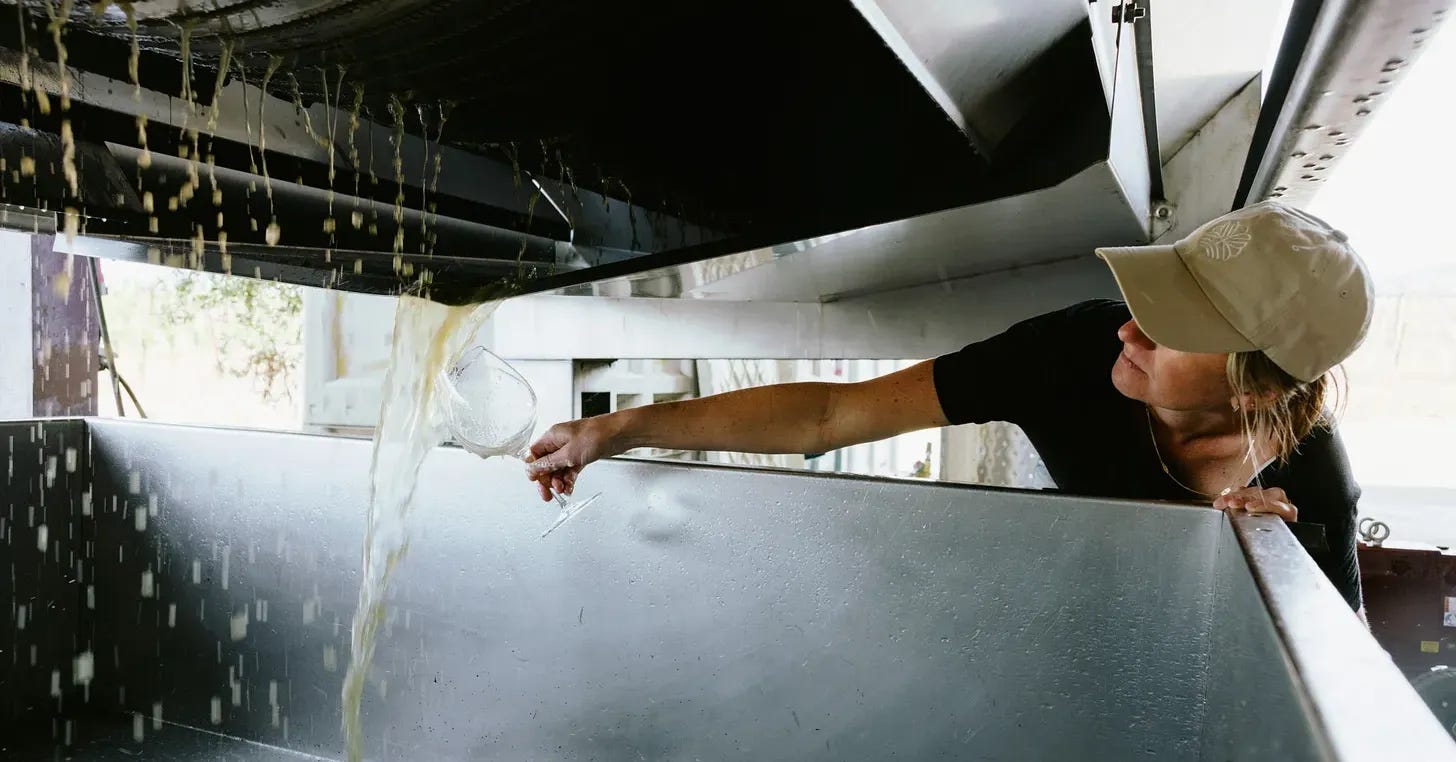
Everything is Content
If you're working in production, use the time between press loads during harvest or when you're racking your wine or steaming barrels to take a couple of photos or videos. Or set up your phone and do a time-lapse of yourself doing punch-downs.
If you're in the tasting room during a lull, snap some photos of the tasting list, or stage a tasting on the bar and create a quick 15s panned video, or set up your phone to take a video of you opening and tasting through the wine at the beginning of the day.
If you're in the vineyard taking samples or scouting for pests, take a minute to capture your clippers in your bucket, or even set up your phone for a time-lapse of you walking rows.
I know all this can feel a bit rich coming from a literal photographer, but I maintain that content creation isn't hard when your job is cool. You work in WINE, for fuck’s sake. You just have to train your brain to see the things you might find unremarkable or workaday as interesting to your customers.
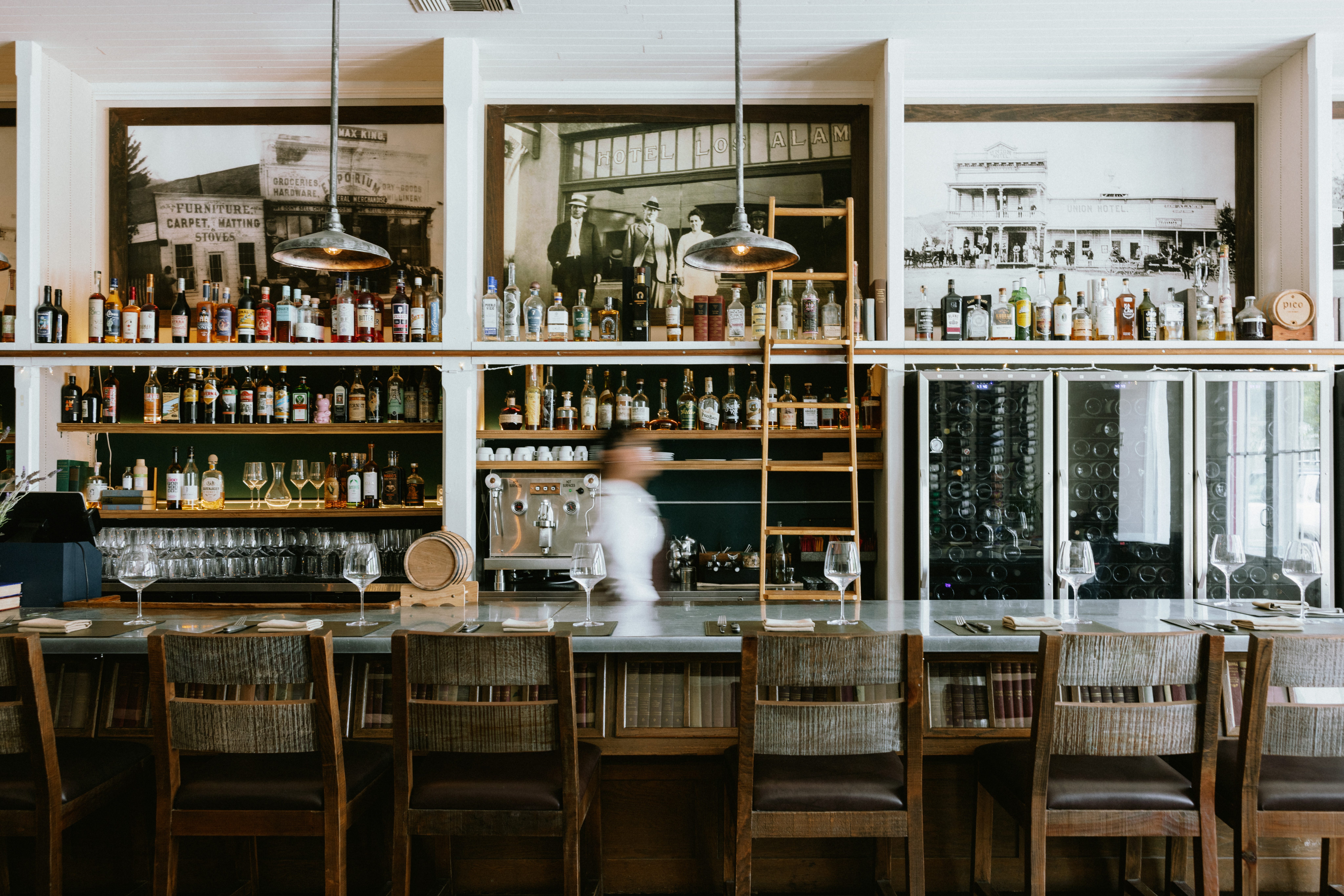
Once you’ve built up this content library, you can pull from it for years. The videos you see in this montage I made last year were taken over the six years I’ve been in business, and I have clients who are using photos I took for them in 2019 in the year of our lord 2026. The more you do it, the better you’ll get at it.
Other Useful Tips & Resources:
Keep a microfiber cloth in your back pocket at all times to clean off your phone/camera lenses before you start shooting. Nothing ruins an awesome photo faster than a dirty lens. Worst-case scenario, though, give it a wipe with your T-shirt at the very least.
Get a cheap tripod to hold your phone to make filming yourself easy
I like this one because I can throw it in my bag and because it’s so low profile, I can easily stick it in narrow barrel rows to get timelapses of topping or whatever.
This one is useful because you can wrap the little legs around stuff and get unique perspectives like on a shelf in the shipping department, or (safely) on top of a forklift’s overhead guard, or on a post in the vineyard.
Live Photos on iPhones can also make for great little video clips. If you upload them to an app like Edits, it automatically changes them to a three-second video clip, complete with sound!
Alternatively, if you want to do a series of self-portraits on your iPhone, you’ll need to turn off the Live Photo feature. Set up a self-timer for as long as you want (3s, 5s, 10s), turn off Live Photo, then take the photo. It will take a burst of ten photos, so you can choose the best one.
Orientation & dimensions: Social media, in general, prefers vertically oriented images because they take up more space in the app and are easier to view. For Reels, TikTok, and Stories, you’ll want to change your dimensions to 9:16. For Carousel photos, you’ll want to change your dimensions to 4:5. I personally like to keep my dimensions at 9:16 on my phone just for ease of use. I also do my best to capture the same scene in both vertical and horizontal orientations so I can use the photos on social media, in emails/on websites. It takes no time at all to do both!
FREE Editing Apps:
Lightroom Mobile is free and easy to use to edit photos you take on your phone. You can even set up presets so that your photos all have the same look and feel.
Instagram has a free video editing tool called Edits that is also very easy and intuitive to use. You can even, if you’re feeling extra, upload your brand’s fonts to it so any captions you create in there are branded.
P.S. I considered adding a “take it to the next level” section in this post filled with fancy things like microphones and action cameras to help take your content creation to the next level, but I didn’t want to overwhelm you. We will save that kind of thing for another day.
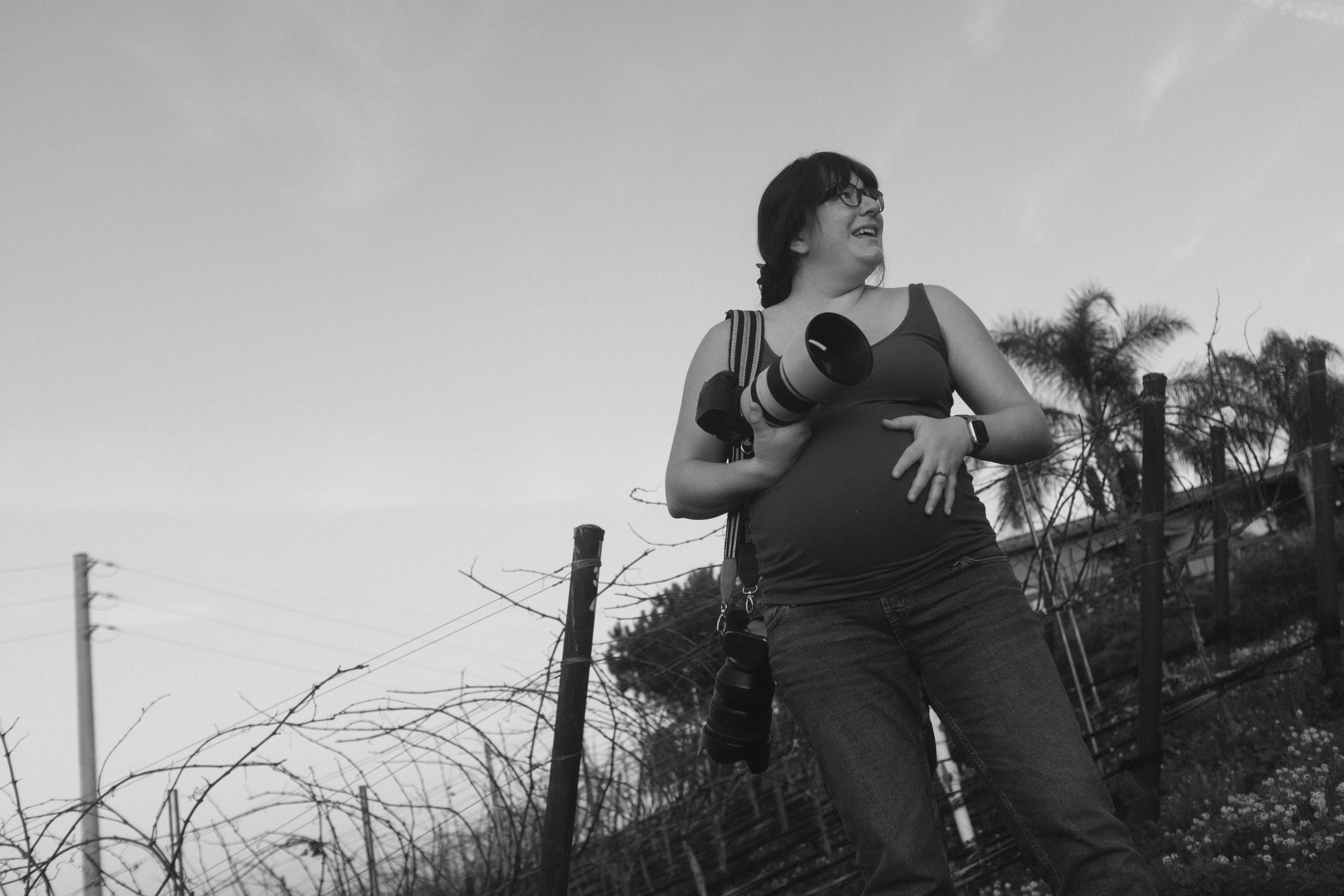
If all of this still feels like too much, then hire me! I love following talented people around, photographing what they're doing!

Great wine marketing and photography tips from someone that works in the wine business and still makes time to take photos and create social media content! Bravo!! A must read for aspiring photographers!!! 📸🍷